DerpFest ROM
• GAPPS build
• SeLinux is Enforcing
• Recommended firmware: V14.0.9.0.THZMIXM
• Please make IMEI backup, just in case ;)
• SeLinux is Enforcing
• Recommended firmware: V14.0.9.0.THZMIXM
• Please make IMEI backup, just in case ;)
CHANGELOG
• Boot selector (choice of root or no root)
• Ext4 for all partitions (super)
• Full R/W
• Installer via fastboot
• Vbmeta disabled by default
• Works with official (Mi Unlock tool) and unofficial (MTK Client) unlocked bootloader
• Add aosp and hdr props
• fix safety net issue (non-root)
• Always report max cpu freq to unity tasks
• some minor changes
• Ext4 for all partitions (super)
• Full R/W
• Installer via fastboot
• Vbmeta disabled by default
• Works with official (Mi Unlock tool) and unofficial (MTK Client) unlocked bootloader
• Add aosp and hdr props
• fix safety net issue (non-root)
• Always report max cpu freq to unity tasks
• some minor changes
Installation Steps
1. Extract the ZIP file
- Unzip the contents of the compressed file into an easily accessible folder.
2. Open the BAT file
- Run the .bat file included in the extracted folder.
3. Select Boot
- Within the script, choose the option corresponding to boot.
4. Wait for the installation to finish
- Allow the process to complete without interruptions.
5. Configure
- Once the installation is complete, perform the initial setup according to your needs.
- Unzip the contents of the compressed file into an easily accessible folder.
2. Open the BAT file
- Run the .bat file included in the extracted folder.
3. Select Boot
- Within the script, choose the option corresponding to boot.
4. Wait for the installation to finish
- Allow the process to complete without interruptions.
5. Configure
- Once the installation is complete, perform the initial setup according to your needs.
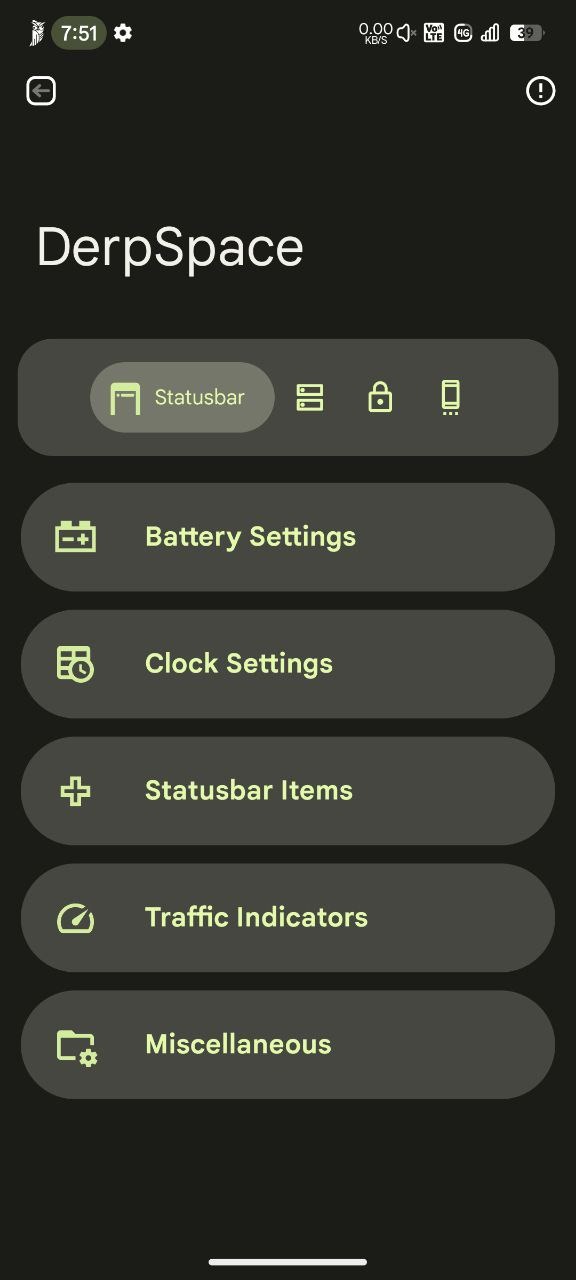
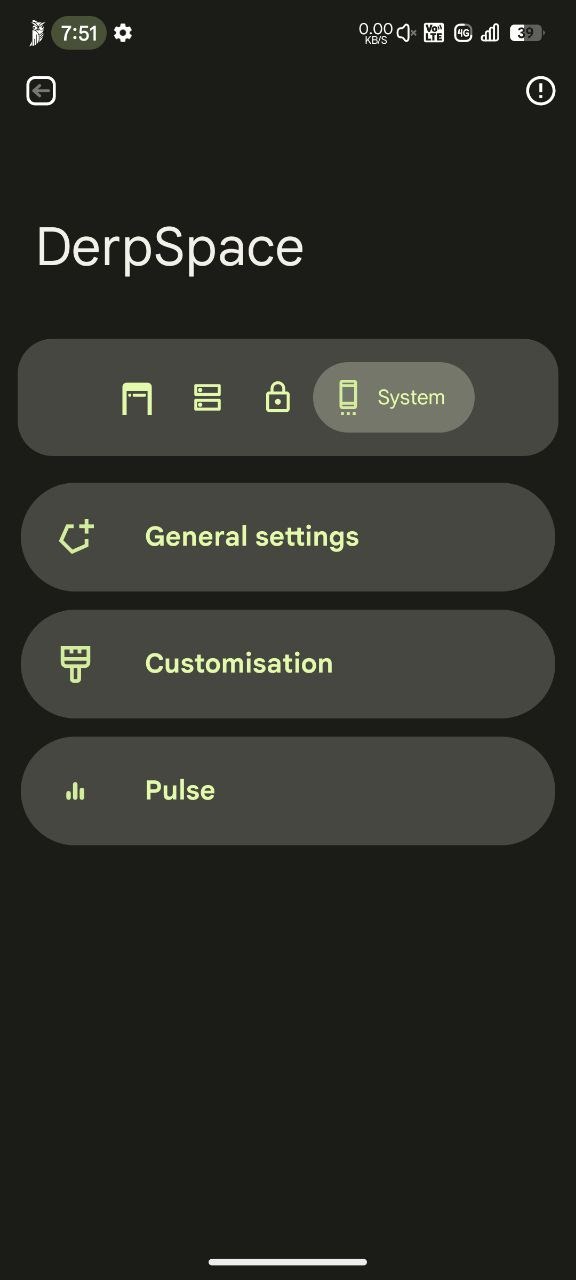
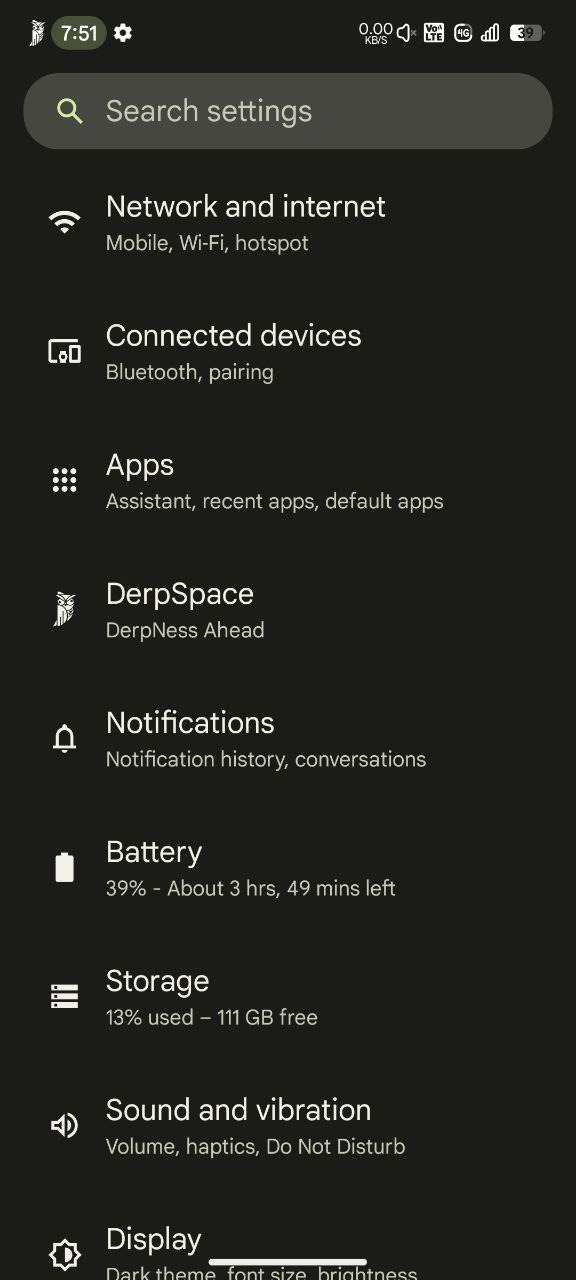
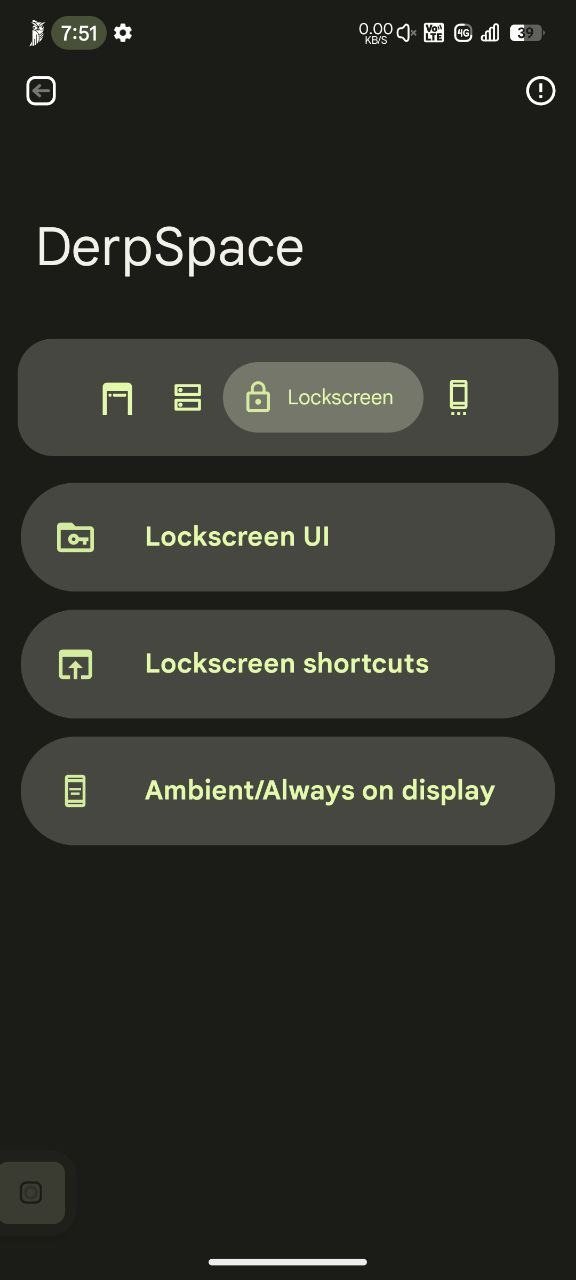
SCREENSHOTS
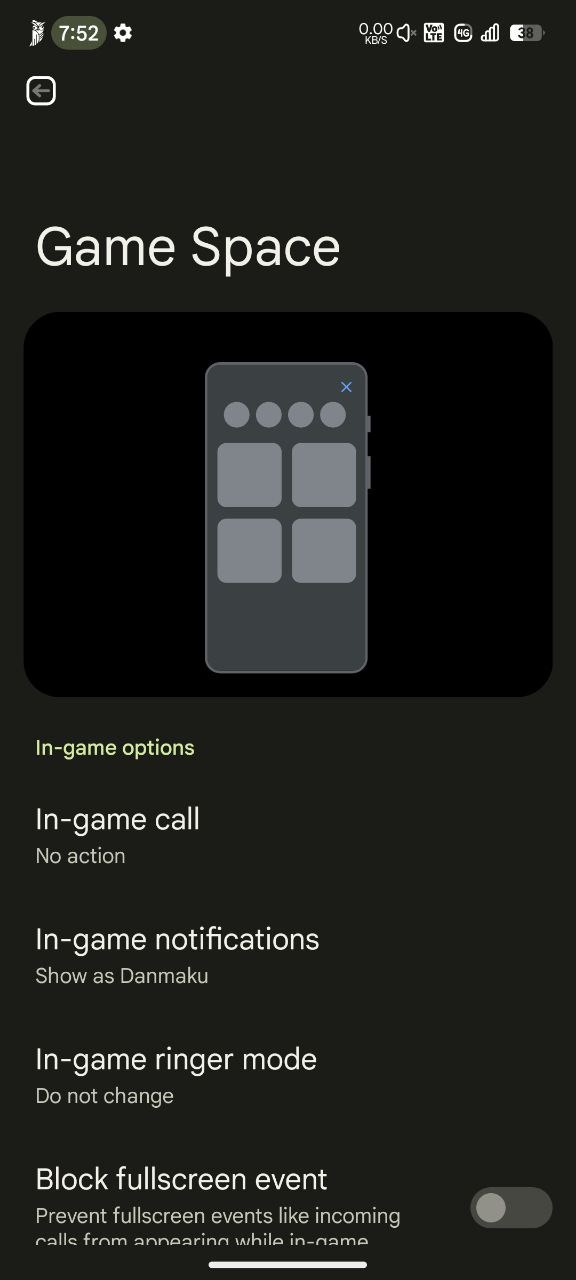
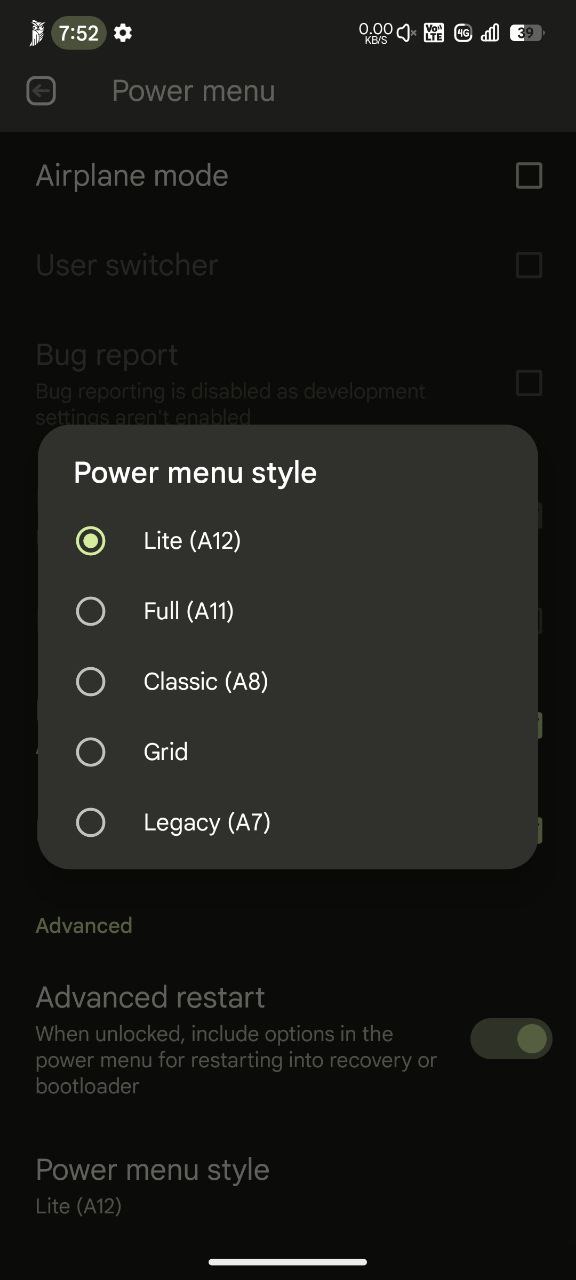
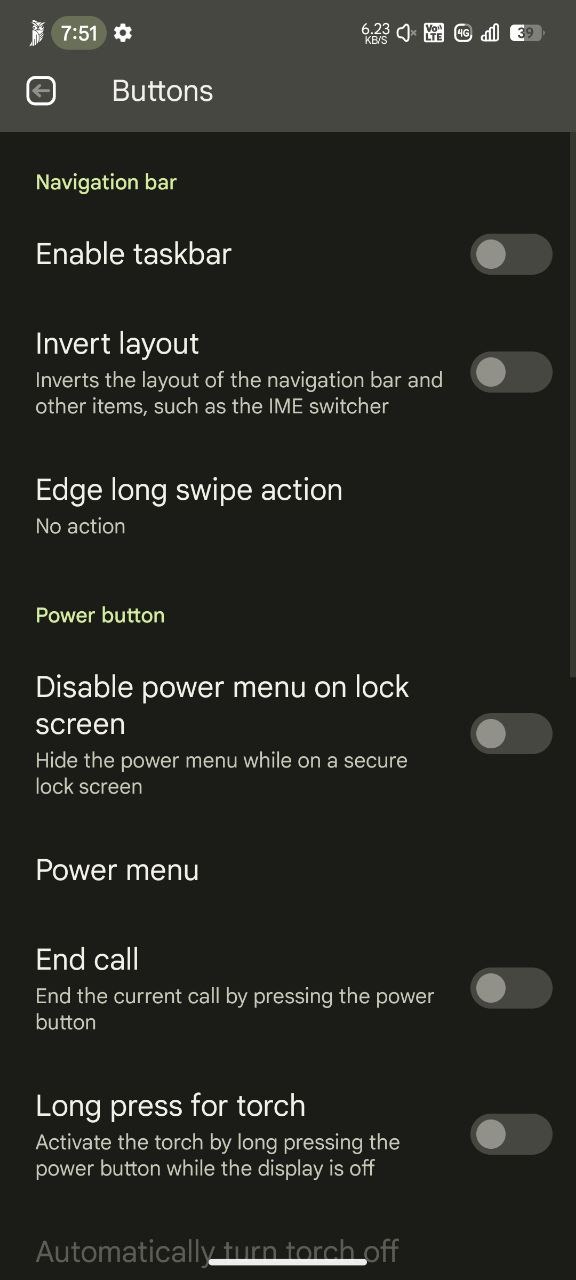
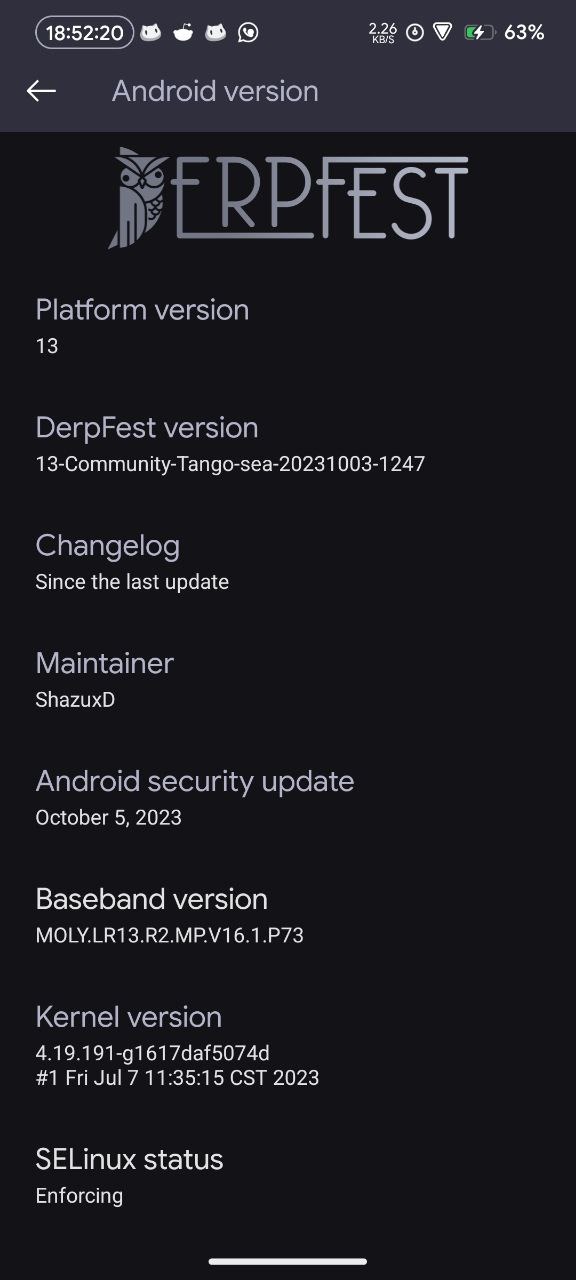
CREDITS
• Frank for testing